正在加载项目…

pyspur
工作流A visual playground for agentic workflows: Iterate over your agents 10x faster
PySpur-DevGitHub 公开资源索引
5,792 GitHub Stars0 项组成内容Stars 同步于 2026年9月27日
正在读取官方项目说明…
正在加载项目…
A visual playground for agentic workflows: Iterate over your agents 10x faster
正在读取官方项目说明…
内容来自 GitHub 原始文件,由原作者维护。在 GitHub 查看
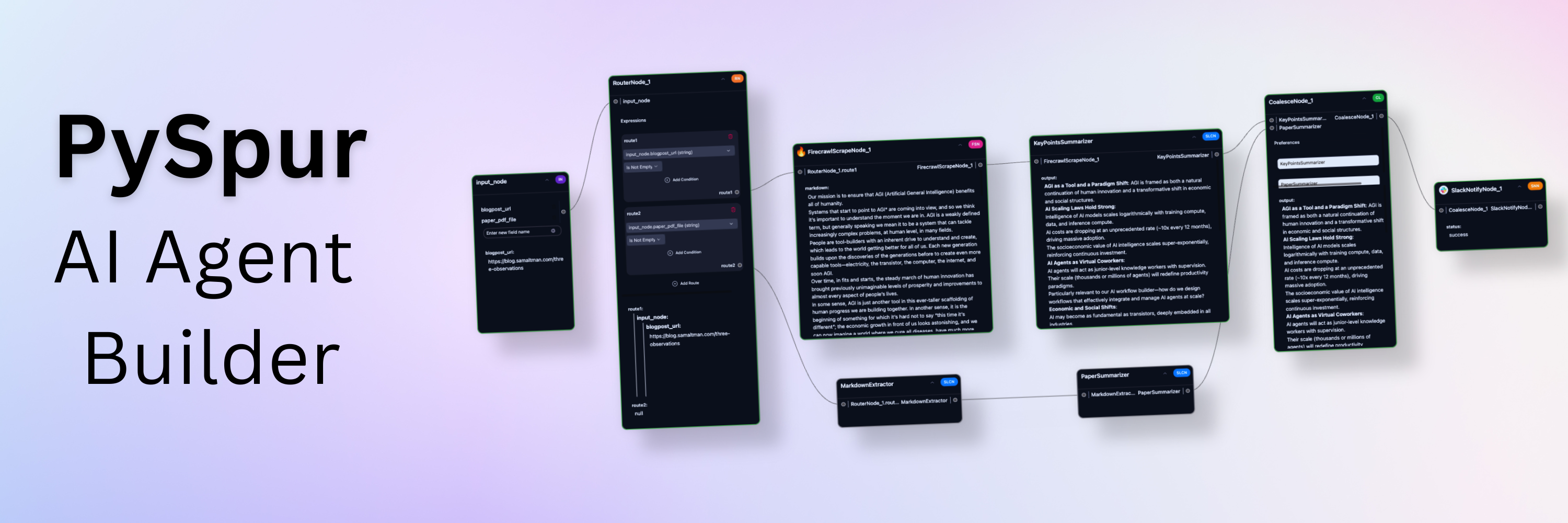
Iterate over your agents 10x faster. AI engineers use PySpur to iterate over AI agents visually without reinventing the wheel.


https://github.com/user-attachments/assets/54d0619f-22fd-476c-bf19-9be083d7e710
AI engineers today face three problems of building agents:
We've been there ourselves, too. We launched a graphic design agent early 2024 and quickly reached thousands of users, yet, struggled with the lack of its reliability and existing debugging tools.
https://github.com/user-attachments/assets/ed9ca45f-7346-463f-b8a4-205bf2c4588f
https://github.com/user-attachments/assets/7043aae4-fad1-42bd-953a-80c94fce8253
https://github.com/user-attachments/assets/72c9901d-a39c-4f80-85a5-f6f76e55f473
https://github.com/user-attachments/assets/b14f34b2-9f16-4bd0-8a0f-1c26e690af93
This is the quickest way to get started. Python 3.11 or higher is required.
Install PySpur:
pip install pyspur
Initialize a new project:
pyspur init my-project
cd my-project
This will create a new directory with a .env file.
Start the server:
pyspur serve --sqlite
By default, this will start PySpur app at http://localhost:6080 using a sqlite database.
We recommend you configure a postgres instance URL in the .env file to get a more stable experience.
[Optional] Configure Your Environment and Add API Keys:
.env file (recommended: configure postgres) and restart with pyspur serveThese breakpoints pause the workflow when reached and resume whenever a human approves it. They enable human oversight for workflows that require quality assurance: verify critical outputs before the workflow proceeds.
https://github.com/user-attachments/assets/98cb2b4e-207c-4d97-965b-4fee47c94ce8
https://github.com/user-attachments/assets/6e82ad25-2a46-4c50-b030-415ea9994690
PDFs, Videos, Audio, Images, ...
https://github.com/user-attachments/assets/83ed9a22-1ec1-4d86-9dd6-5d945588fd0b
https://github.com/user-attachments/assets/c77723b1-c076-4a64-a01d-6d6677e9c60e
https://github.com/user-attachments/assets/50e5c711-dd01-4d92-bb23-181a1c5bba25
https://github.com/user-attachments/assets/6442f0ad-86d8-43d9-aa70-e5c01e55e876
https://github.com/user-attachments/assets/4dc2abc3-c6e6-4d6d-a5c3-787d518de7ae
https://github.com/user-attachments/assets/5bef7a16-ef9f-4650-b385-4ea70fa54c8a
We recommend using Cursor/VS Code with our dev container (.devcontainer/devcontainer.json) for:
Option 1: Cursor/VS Code Dev Container (Recommended)
Option 2: Manual Setup
Clone the repository:
git clone https://github.com/PySpur-com/pyspur.git
cd pyspur
Launch using docker-compose.dev.yml:
docker compose -f docker-compose.dev.yml up --build -d
Customize your setup:
Edit .env to configure your environment (e.g., PostgreSQL settings).
Note: Manual setup requires additional configuration and may not include all dev container features.
You can support us in our work by leaving a star! Thank you!
Your feedback will be massively appreciated. Please tell us which features on that list you like to see next or request entirely new ones.